Turn your agent
into an engineer.
Every plan, tool call, diff, and commit lands in your real project. Agents that read the codebase, run the tests, and ship the change while you stay in charge.
Free and open source under the MIT license.
Bring the coding agents you already run.
 Pi
Pi Codex CLI
 Claude Code
 OpenCode
 Cline
Cline Antigravity
 Muse Code
Point them at any model. Hosted keys or a local server, your choice. Keys stay on your machine, and CodeInOven never routes your code or prompts through its own proxy.


From idea to launch, in one workspace.
Make the product. Then help it grow.
Design the experience before you build it, carry the approved direction into implementation, create a launch video, and keep learning from the people who find your product.
See the work as it moves.
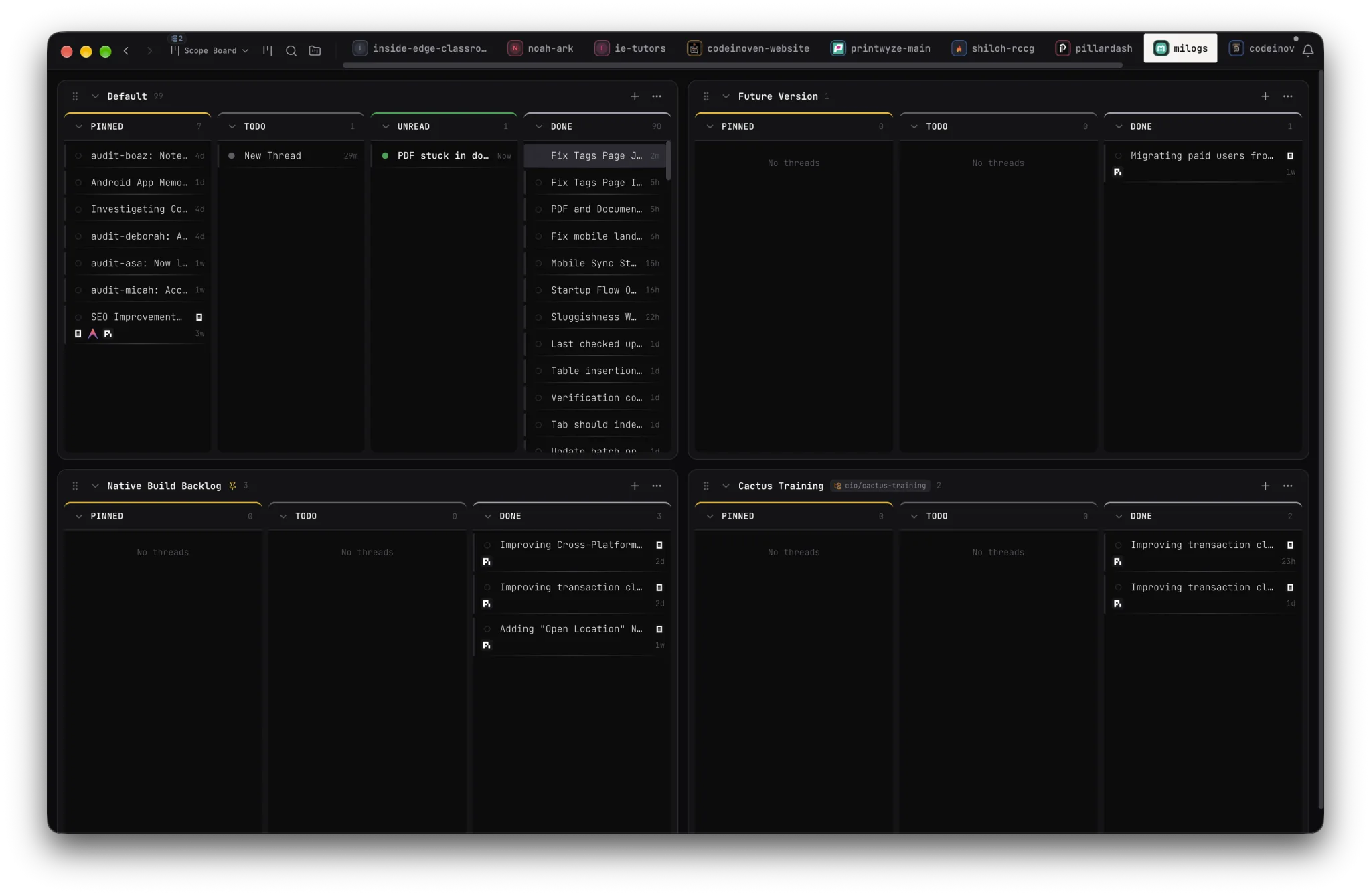
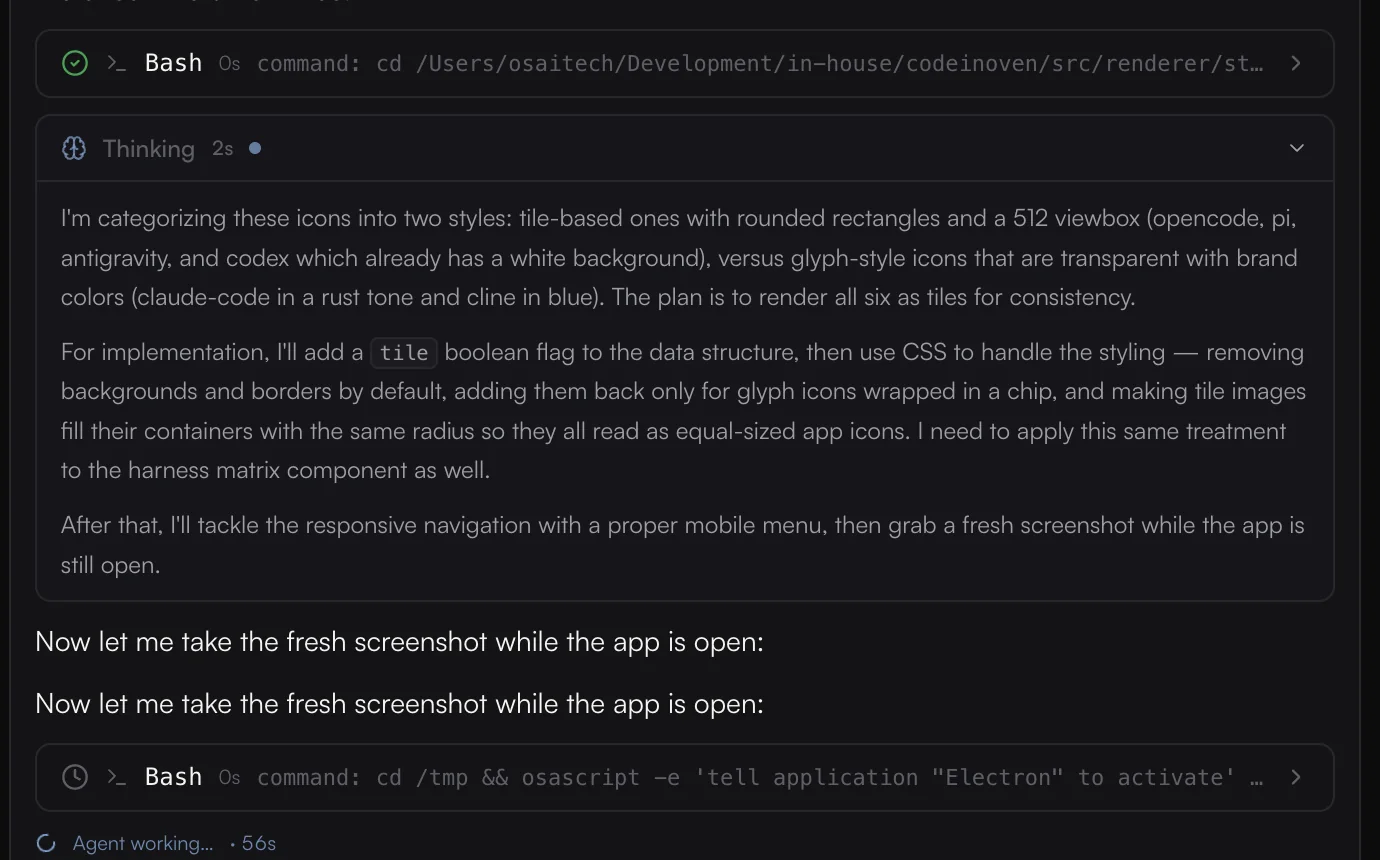
Track projects across Pinned, Todo, Unread, and Done. Open a thread to inspect the agent's reasoning, commands, diffs, and checkpoints.
Start with the design. Finish with a change you can review.
Explore the experience before implementation. Carry the approved direction into your codebase, then follow the agent's work through tests, diffs, and checkpoints.
One loop, from idea to audience
Keep the whole product moving.
Design, implementation, launch, and what comes after. Work through the full product cycle without scattering the context across tools.
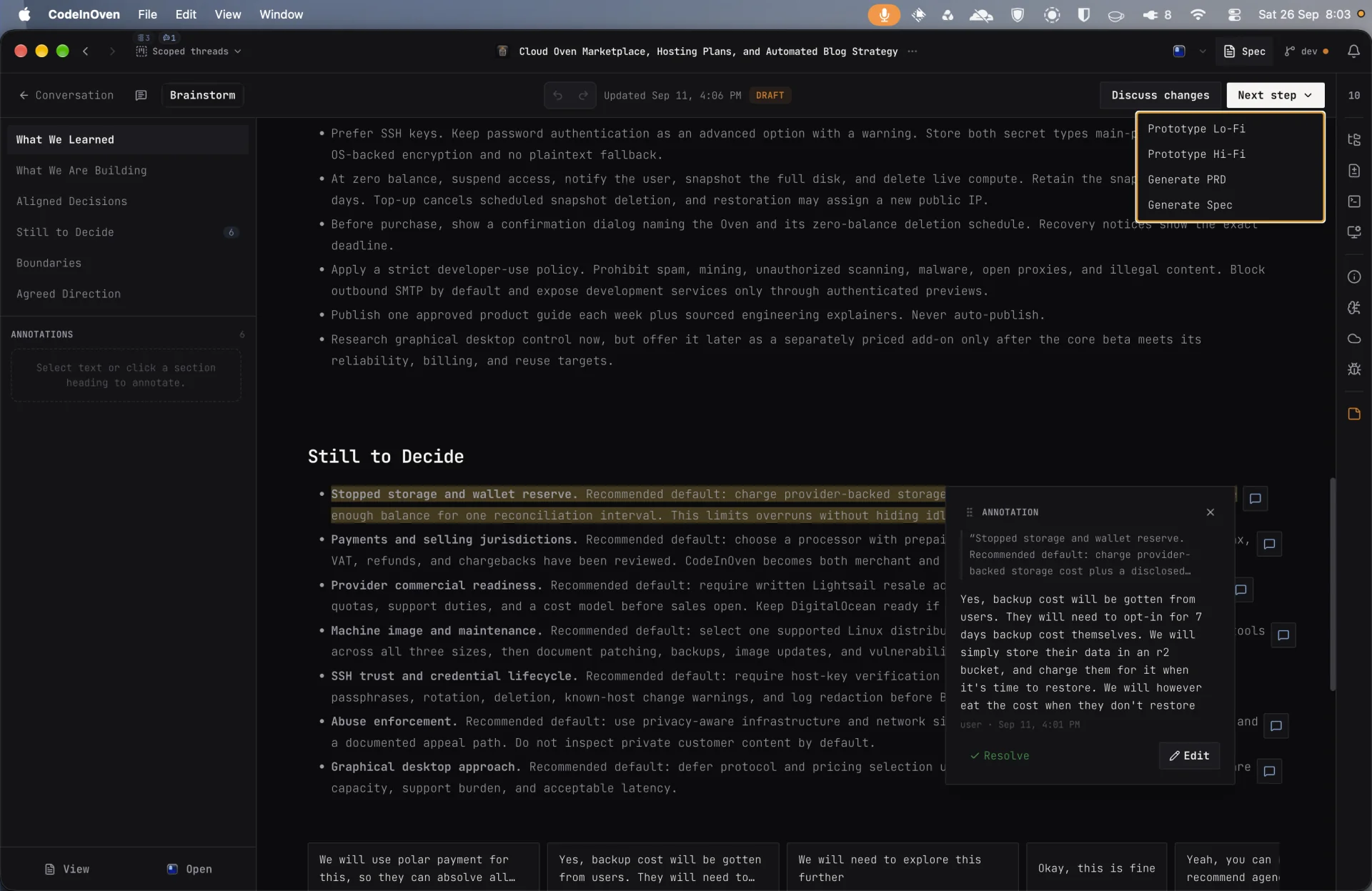
Turn a rough idea into a plan.
Think through the problem, record decisions, and give the work a clear direction before implementation.
Long work, given a clear shape.
Agents are useful when you can see what they did and decide what happens next. That is the whole design.
- 01
Read before writing
Agents inspect the repository, follow its patterns, keep changes focused, and check their own work.
- 02
Permission you set
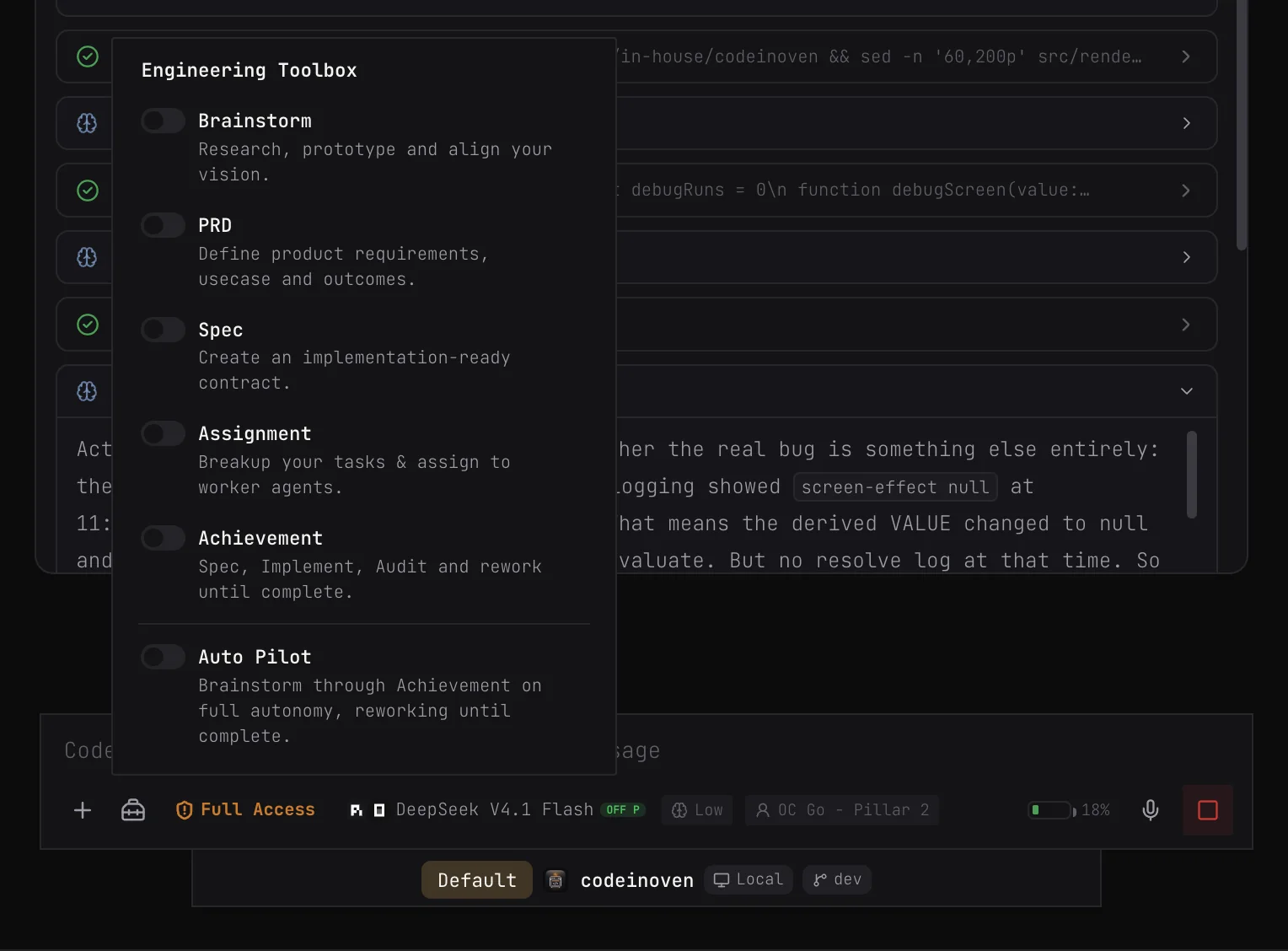
Tool calls ask within the tier you choose. Auto Review by default, full access only if you switch it on yourself.
- 03
Every step on record
Reasoning, commands, diffs, and checkpoints stay visible, and any phase can be rolled back.
- 7 coding agents, one workspace
- 14 model providers shown here
- Direct requests go to your chosen provider
- MIT free, open source license
CodeInOven for your desktop.
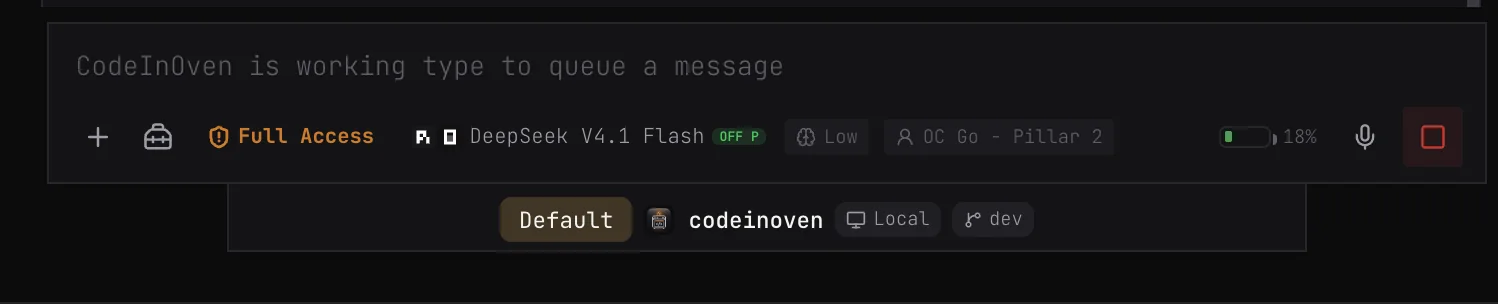
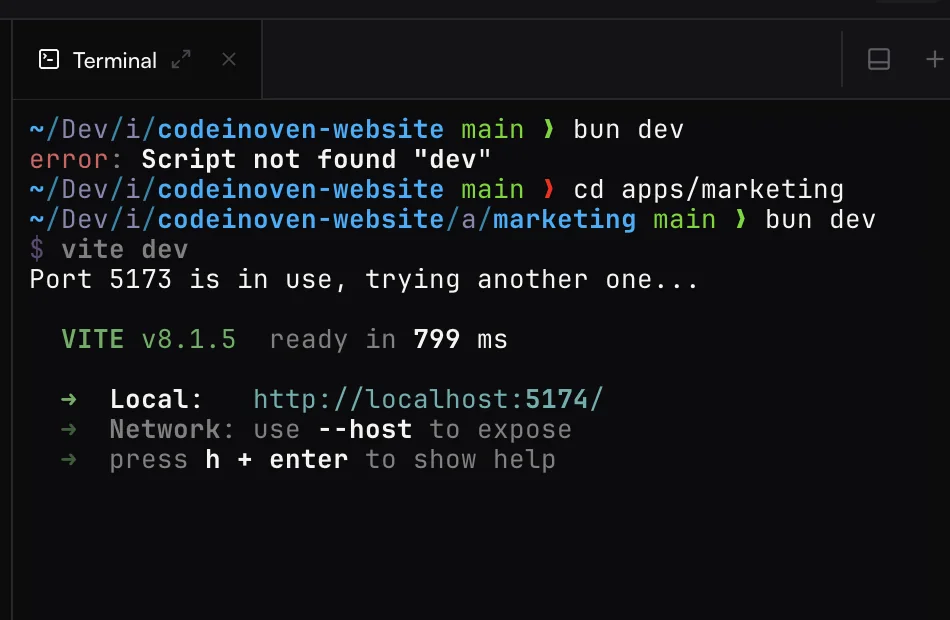
The full workspace on macOS, Windows, and Linux. Point it at your project and your agent gets everything it needs: an attached terminal, an inner browser, diffs, pull requests, and worktrees.
curl -fLO https://dl.codeinoven.com/stable/codeinoven-arm64.dmg 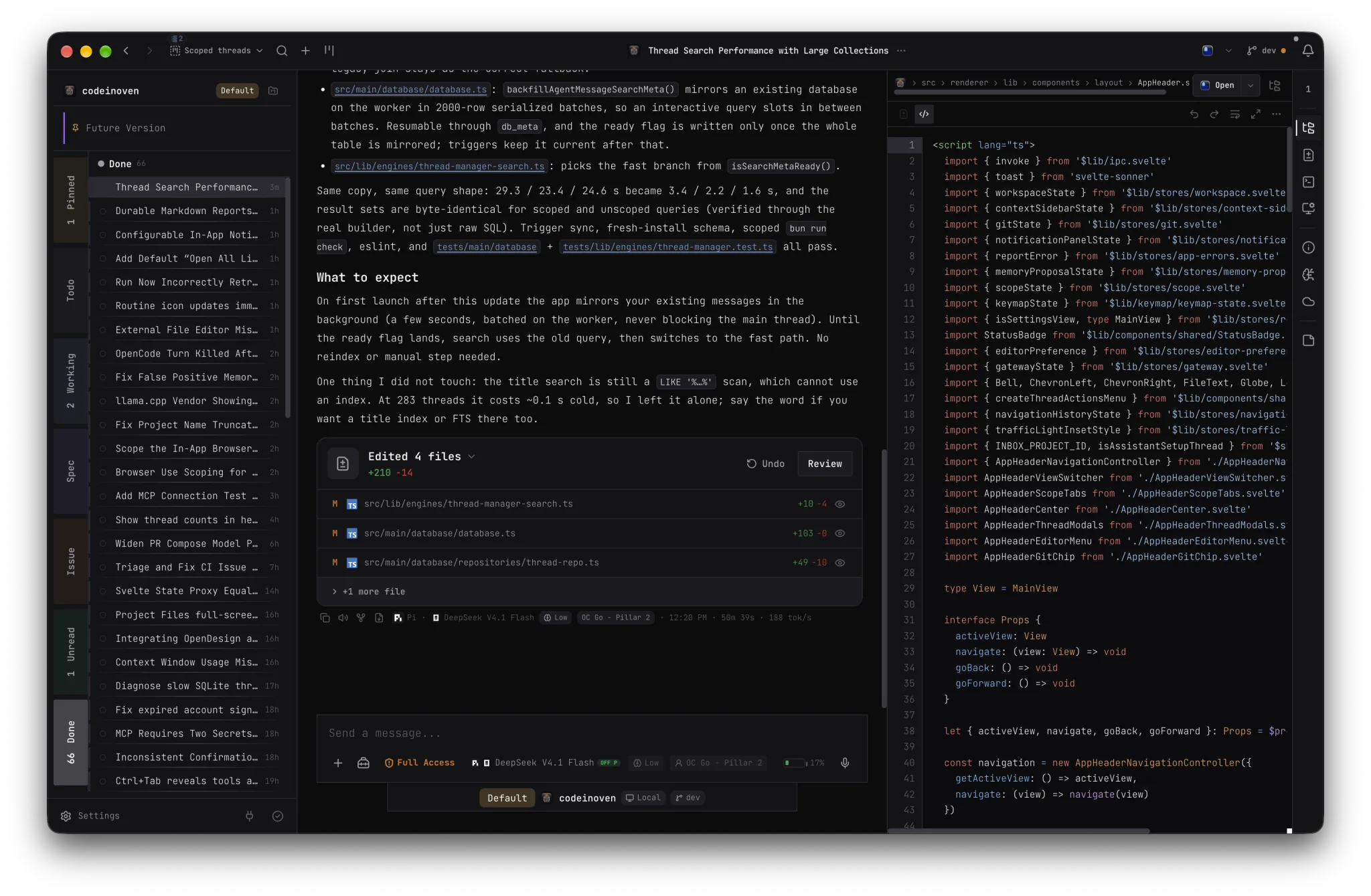
Frequently asked questions
What is CodeInOven?
CodeInOven is an open-source workspace for building real software with AI. You bring a coding agent, open a project, and work on the same change together: plan it, write it, run it, review the diff, and commit what you keep.
Which coding agents work with CodeInOven?
Pi, Codex CLI, Claude Code, OpenCode, Cline, Antigravity, and Muse Code. CodeInOven detects the ones installed on your machine and you pick between them per thread. You are never locked to one.
Can I use my own models?
Yes. Sign in through a hosted provider or bring your own API key. CodeInOven also speaks OpenAI-compatible and Anthropic-compatible endpoints, so Ollama, LM Studio, vLLM, or a private cloud server all work with a base URL and a model name.
Where does my code go?
Nowhere you did not send it. Your code never routes through a CodeInOven proxy, keys stay on your machine, and the app keeps its own state in its own config directory rather than writing into your repository.
What does it cost?
CodeInOven is free and open source under the MIT license. You pay only for the models you choose to use, directly to the provider you choose.
What platforms does it run on?
macOS, Windows, and Linux. Builds for all three are published to the stable release mirror, and the download above picks the right one for your machine.
What will you build when
setup stops getting in the way?
CodeInOven is free and open source under the MIT license.